

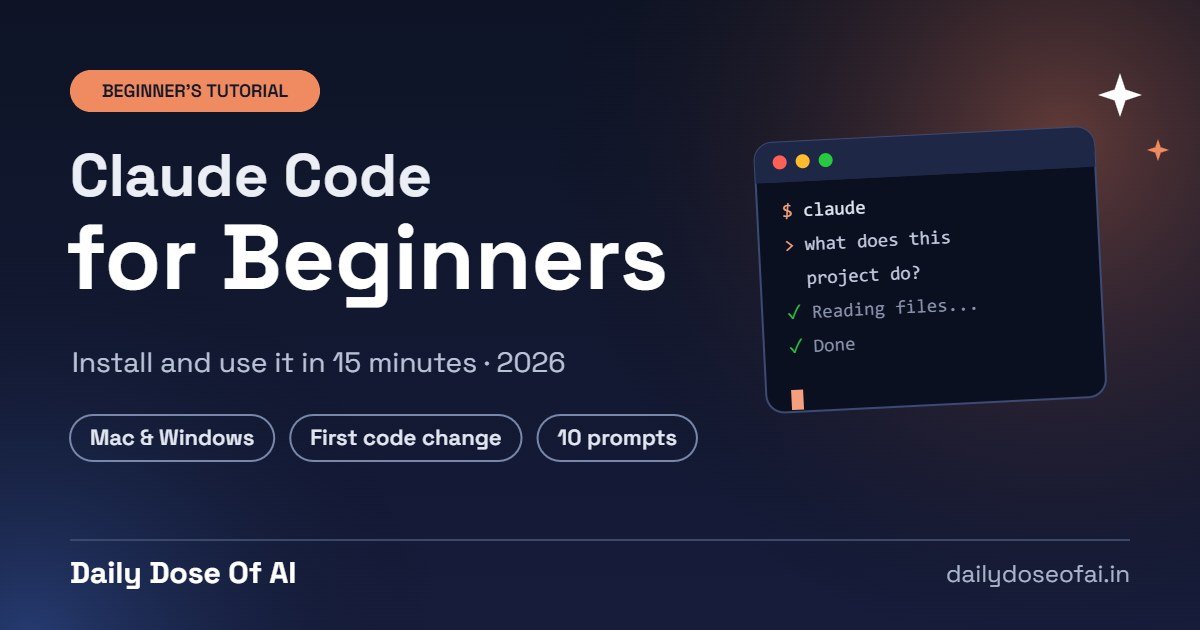
Claude Code is Anthropic’s AI coding assistant that works right inside your terminal. You describe what you want in plain English, and it reads your project, writes and edits code, runs commands and even makes Git commits for you. This beginner’s guide takes you from zero to your first real code change in about 15 minutes.
What is Claude Code?
Think of Claude Code as a senior developer sitting next to you. Unlike a chat window where you copy-paste code back and forth, Claude Code works directly on your files: it explores the project, proposes changes, and applies them once you approve.
It runs in the terminal, and it is also available on the web, as a desktop app, and inside VS Code and JetBrains IDEs (Claude Code docs).
Is Claude Code free?
No. The free Claude plan does not include Claude Code. You need a Claude Pro, Max, Team or Enterprise subscription, or a Claude Console account with prepaid API credits (Claude Code docs).
The good news: if you already pay for Claude Pro (from about ₹2,000/month in India, billed annually), Claude Code is included at no extra cost. Your Claude Code usage and your chats on claude.ai share the same usage limits. New to Claude? Read our complete beginner’s guide to Claude AI first.
Step 1: Install Claude Code
Open a terminal (Terminal on Mac, PowerShell or Command Prompt on Windows) and run the command for your system. No admin rights or Node.js needed with the native installer.
Mac, Linux or WSL:
curl -fsSL https://claude.ai/install.sh | bashWindows PowerShell:
irm https://claude.ai/install.ps1 | iexWindows Command Prompt (CMD):
curl -fsSL https://claude.ai/install.cmd -o install.cmd && install.cmd && del install.cmdThen open a new terminal window and check it worked:
claude --versionYou should see a version number followed by “(Claude Code)”. If you get “command not found”, close and reopen the terminal, or see Anthropic’s troubleshooting page.
Windows tip: install Git for Windows first. Claude Code works best with it.
Step 2: Start your first session and log in
Go to any project folder and type claude:
cd path/to/your/project
claude
The first time, it asks you to log in. Follow the prompt, sign in with your Claude account in the browser, and you are done. You will not need to log in again.
Step 3: Ask questions about your project
Claude Code reads your files by itself. Try these first prompts:
what does this project do?explain the folder structurewhere is the main entry point?
This is the fastest way to understand a codebase you did not write, perfect for students joining a college project or a new job.
Step 4: Make your first code change
Now ask it to do something small:
add a hello world function to the main fileClaude Code finds the right file, shows you the change, and asks before applying it. Select Yes to approve. Press Shift+Tab anytime to change how much it can do without asking.
Step 5: Let it handle Git
No more remembering Git commands. Just say:
what files have I changed?commit my changes with a descriptive messagecreate a new branch called feature/login
10 beginner prompts to try
fix the bug where users can submit an empty formwrite unit tests for the calculator functionsadd input validation to the signup formupdate the README with setup instructionsreview my changes and suggest improvementsexplain this error and fix it: [paste error]convert this script from JavaScript to Pythonbuild a simple to-do app in HTML, CSS and JavaScriptrefactor this file so it is easier to readshow me the last 5 commits and summarise them
Essential commands
| Command | What it does |
|---|---|
claude |
Start an interactive session |
claude "task" |
Start with a task, e.g. claude "fix the build error" |
claude -c |
Continue your last conversation in this folder |
/help |
Show all commands inside a session |
/clear |
Clear the conversation and start fresh |
/exit |
Quit Claude Code |
Pro tips for beginners
- Be specific. Not “fix the bug” but “fix the login bug where users see a blank screen after a wrong password”.
- Break big tasks into steps. List them 1, 2, 3 and Claude will work through them in order.
- Let it explore first. Ask it to analyse the code before asking for changes.
- Give it project memory. A
CLAUDE.mdfile in your project tells Claude your coding rules every session. - Teach it your workflows. Skills work in Claude Code too. See how to add skills in Claude.
FAQ
Can I use Claude Code for free?
No. It needs a paid Claude plan (Pro or higher) or Claude Console API credits. The free Claude plan does not include it.
Do I need to know coding to use Claude Code?
Basic comfort with a terminal helps, but you give instructions in plain English. Many non-developers use it to build small tools and automate tasks.
Does Claude Code work on Windows?
Yes, through PowerShell, Command Prompt or WSL. Installing Git for Windows is recommended.
Is Claude Code safe for my code?
It asks before making changes by default, and you can review every edit. Always use Git so you can undo anything.
Where can I learn more?
Anthropic offers a free Claude Code 101 course, and you can type /help inside Claude Code anytime.